
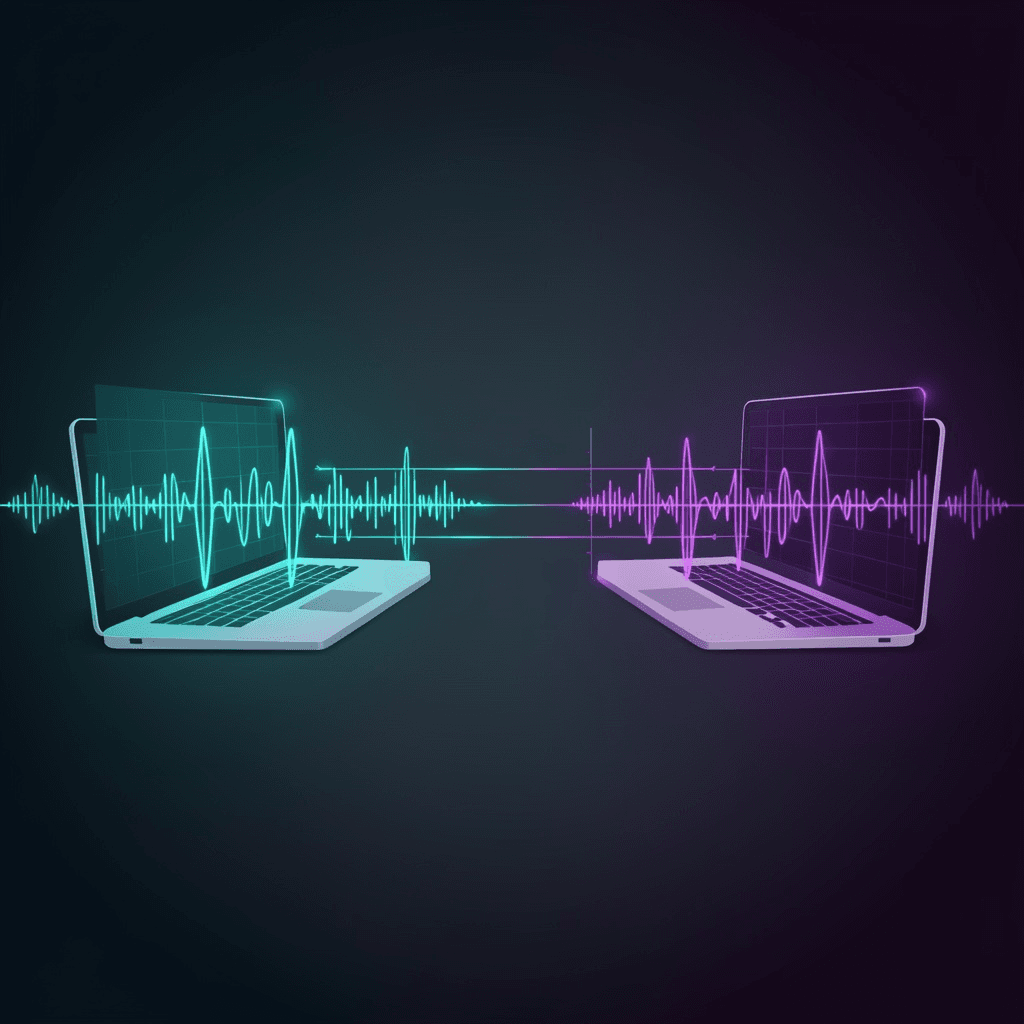
SoundSend
Web app that transfers files between nearby devices using sound waves — FSK modulation via the ggwave library
Timeline
Jul 2022 — Aug 2023
Role
Solo
Team
Solo
Status
CompletedTechnology Stack
Key Challenges
- Working around the 8–16 bytes/sec bandwidth cap of sound transmission — pushing raw files through audio is painfully slow
- Implementing the multi-frequency FSK modulation/demodulation correctly: 4-bit chunks, 6 parallel tones, 96 frequencies across a 4.5 kHz range
- Detecting special sound markers for transmission start and end so the receiver knows when to start and stop recording
- Integrating Reed-Solomon error correction with the right number of ECC bytes based on payload length, to survive noisy audio environments
Key Learnings
- Sound is a viable transport for tiny payloads, but a hybrid approach (cloud upload + acoustic metadata broadcast) is the right pattern for files
- FSK is a surprisingly robust modulation scheme for browser-based audio — no special hardware, just a microphone and speakers
- Reed-Solomon ECC turns a noisy channel into a reliable one without needing retransmission
- Open-source libraries like ggwave (by ggerganov) make it possible to prototype acoustic data transfer in a single weekend
The Problem
Two laptops, no internet, no Bluetooth, no cables. A PDF someone wants on the other machine, right now. The familiar "can I just airdrop this?" moment — except the devices have no shared radio.
Sound is the one channel almost every device still has: a speaker and a microphone. The only catch is that audio is a very slow pipe. The ggwave library, which does FSK-based acoustic transmission in the browser, tops out at around 8–16 bytes per second. That's enough for a URL. It's not enough for a PDF, an image, or any file larger than a few kilobytes.
So how do you send a file over a channel that can only carry a URL?
What I Built
SoundSend is a web app that sends and receives files between nearby devices using sound — no install, no extension, no app store. Open it in a browser on both devices, pick a file on one, hit send, and the other side receives the file. The whole thing is plain HTML, JavaScript, and CSS, deployed to GitHub Pages and a custom domain at soundsend.ml.
The trick is the hybrid transport. Sound carries the address of the file. The bytes themselves come from the cloud.
How It Works
The flow looks like this:
- The sender picks a file. The app uploads it to anonfiles — an anonymous file hosting service with a REST API — and gets back a
FileIdand the originalFileName. - Those two small strings (a 12-ish character id plus the filename) are encoded into a sound wave using ggwave and played out of the sender's speaker.
- The receiver's microphone picks it up, decodes it back into the id and filename, and reconstructs the direct download URL:
https://anonfiles.com/<id>/<filename>. - The receiver fetches the file from that URL.
The result: zero user data travels over sound. Only the URL does. The actual bytes take the internet to anonfiles. The acoustic channel is used purely as a physical-layer address handoff — "here's where the file lives, go get it."
This sidesteps the bandwidth problem entirely. A 50 MB video and a 50 KB text file take the same time to transmit acoustically, because only the id+filename is broadcast.
Technical Details
The acoustic side of the system is doing real signal processing in the browser. Here's a simplified view of what ggwave does under the hood.
Modulation (Tx)
The sender uses a multi-frequency Frequency-Shift Keying (FSK) scheme. Data is split into 4-bit chunks; at any given moment, 3 bytes are transmitted using 6 parallel tones. The 6 tones live in a 4.5 kHz range divided into 96 equally-spaced frequencies, so each tone can carry any of 16 possible 4-bit values (0–15).
| Slot | Frequency | Carries |
|---|---|---|
| Tone 0 | F0 + 00·dF | Chunk 0 (4 bits) |
| Tone 1 | F0 + 16·dF | Chunk 1 (4 bits) |
| Tone 2 | F0 + 32·dF | Chunk 2 (4 bits) |
| Tone 3 | F0 + 48·dF | Chunk 3 (4 bits) |
| Tone 4 | F0 + 64·dF | Chunk 4 (4 bits) |
| Tone 5 | F0 + 80·dF | Chunk 5 (4 bits) |
For non-ultrasonic protocols: F0 = 1875.000 Hz, dF = 46.875 Hz. Ultrasonic variants push F0 up to 15 kHz so the transmission is inaudible to humans.
Before the data goes on the wire, it's encoded with Reed-Solomon error correction. The number of ECC bytes scales with payload length — more data, more redundancy, so a few dropped audio frames don't corrupt the whole transmission.
Demodulation (Rx)
The receiver listens for special sound markers that mark the start and end of a transmission. Once it hears a start marker, it begins recording; once it hears the end marker, it stops. The recorded buffer is Fourier transformed to extract the frequency spectrum, the detected frequencies are mapped back to 4-bit values, the 4-bit chunks are reassembled into bytes, and Reed-Solomon decoding recovers the original payload.
If a few bytes were corrupted by room noise, echo, or the laptop's mediocre microphone, the ECC layer fixes them. If too many were lost, the transmission is rejected and the sender retries.
Building It Yourself
The whole project is plain static files — no build step, no bundler, no Node toolchain.
git clone https://github.com/imsudip/sound_send_web.git
cd sound_send_web
Open the project in a web server (I used the Live Server extension for VS Code) and visit it in a browser. Two devices, two browser tabs, one shared room. The microphone and speaker do the rest.
Links
- GitHub: imsudip/sound_send_web
- Live: soundsend.ml (mirror: imsudip.github.io/sound_send_web)
- Built on: ggwave by ggerganov
- License: GPL v3.0
Timeline
Built as an experiment in air-gapped data transfer, with development spanning over a year.
- Jul 2022 — Initial development: ggwave integration, FSK modulation, anonfiles cloud upload pipeline, sound-based file transfer proof of concept
- Nov 2022 — UI refinement: title screen, screengrab, favicon, meta images
- Aug 2023 — Final commit: deployment to GitHub Pages, documentation